Browser-based
Access Classberry securely from supported devices and locations through a modern web browser.
Classberry brings learner records, academics, assessment, communication, finance, boarding, activities and family services into one coordinated school-management platform. Choose the functions you need without creating separate information islands.
A learner may enter through admissions, join a family record, move into classes, be registered each day, assessed, take part in activities, use the library or hostel, and eventually become an alumnus. Classberry keeps those stages connected instead of rebuilding the learner in a new register at every step.
 Admissions
 Learner record
 Academic setup
 Assessment
 Student life
 Family access
 Accounts & services
Classberry is designed to fit institutional structures and day-to-day responsibilities. It is accessible through a browser, can be deployed on campus or through Classberry Cloud, and is configured around the school's needs rather than forcing every school into the same operating model.
The interface is deliberately straightforward so that administrators, teachers and other authorised users can learn it quickly and work with less friction.
Access Classberry securely from supported devices and locations through a modern web browser.
Shape structures, workflows and selected modules around the institution's priorities and way of working.
A clear, intuitive interface designed around convenience, ease of access and everyday school processes.
The Classberry Mobile App extends supported services to families, staff and other authorised users.
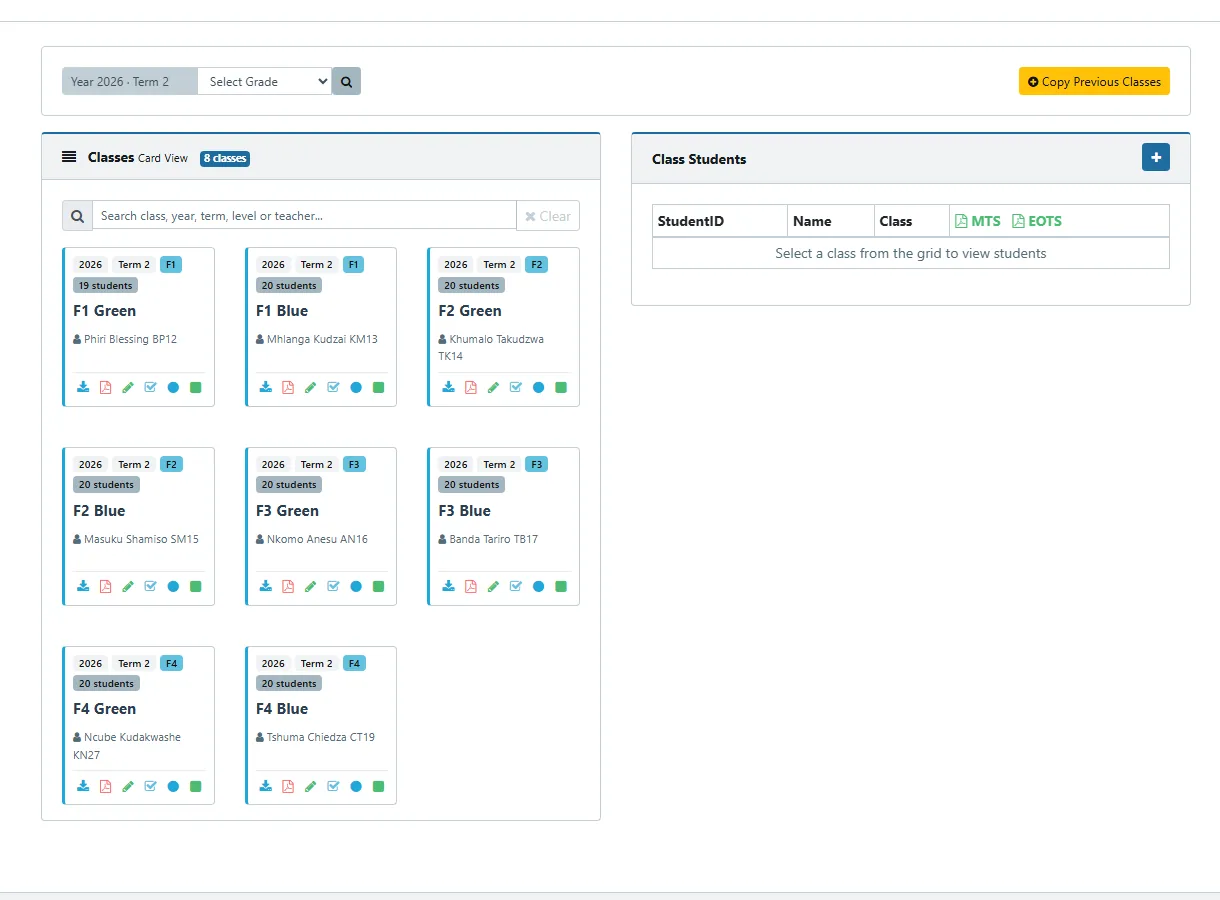
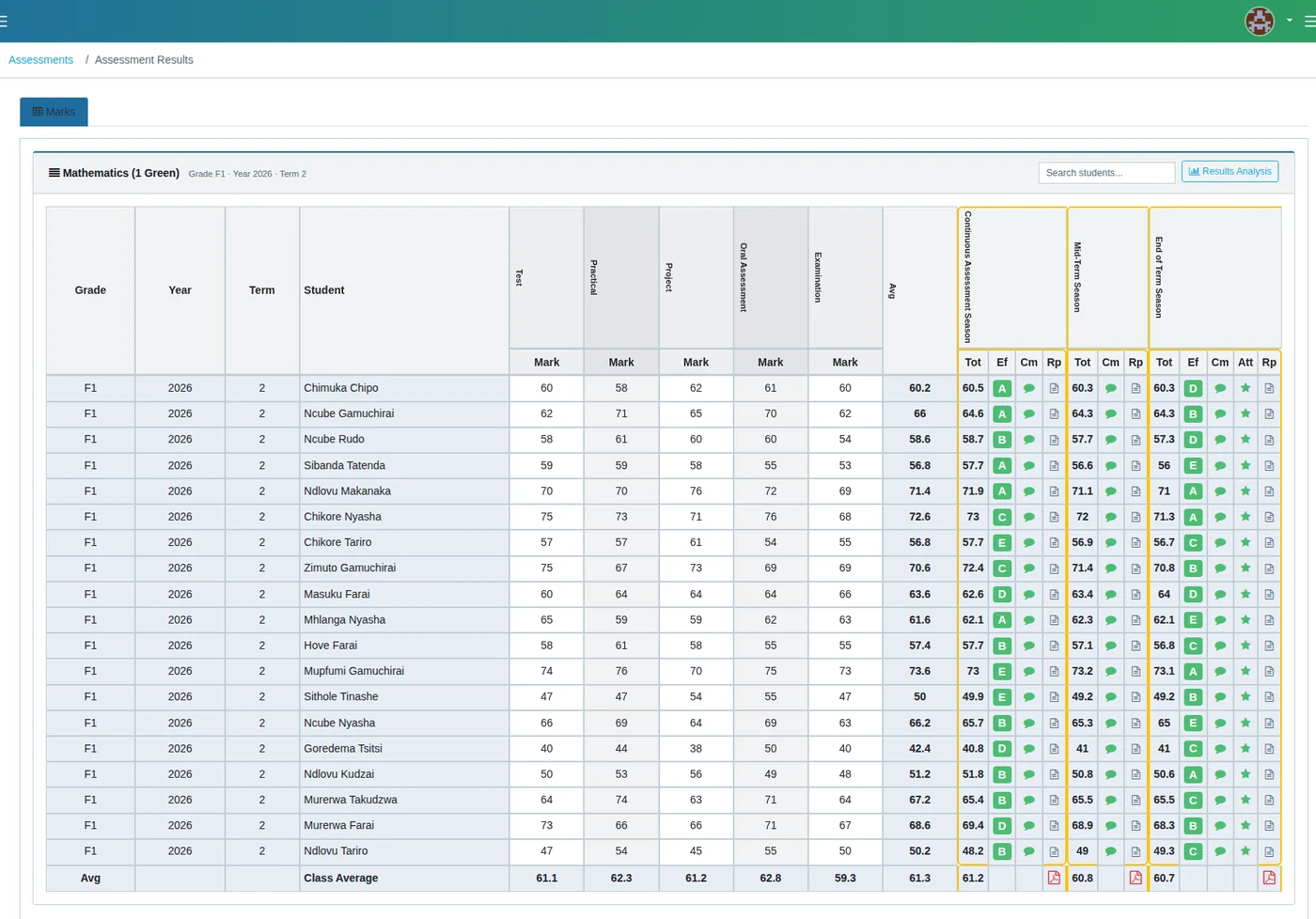
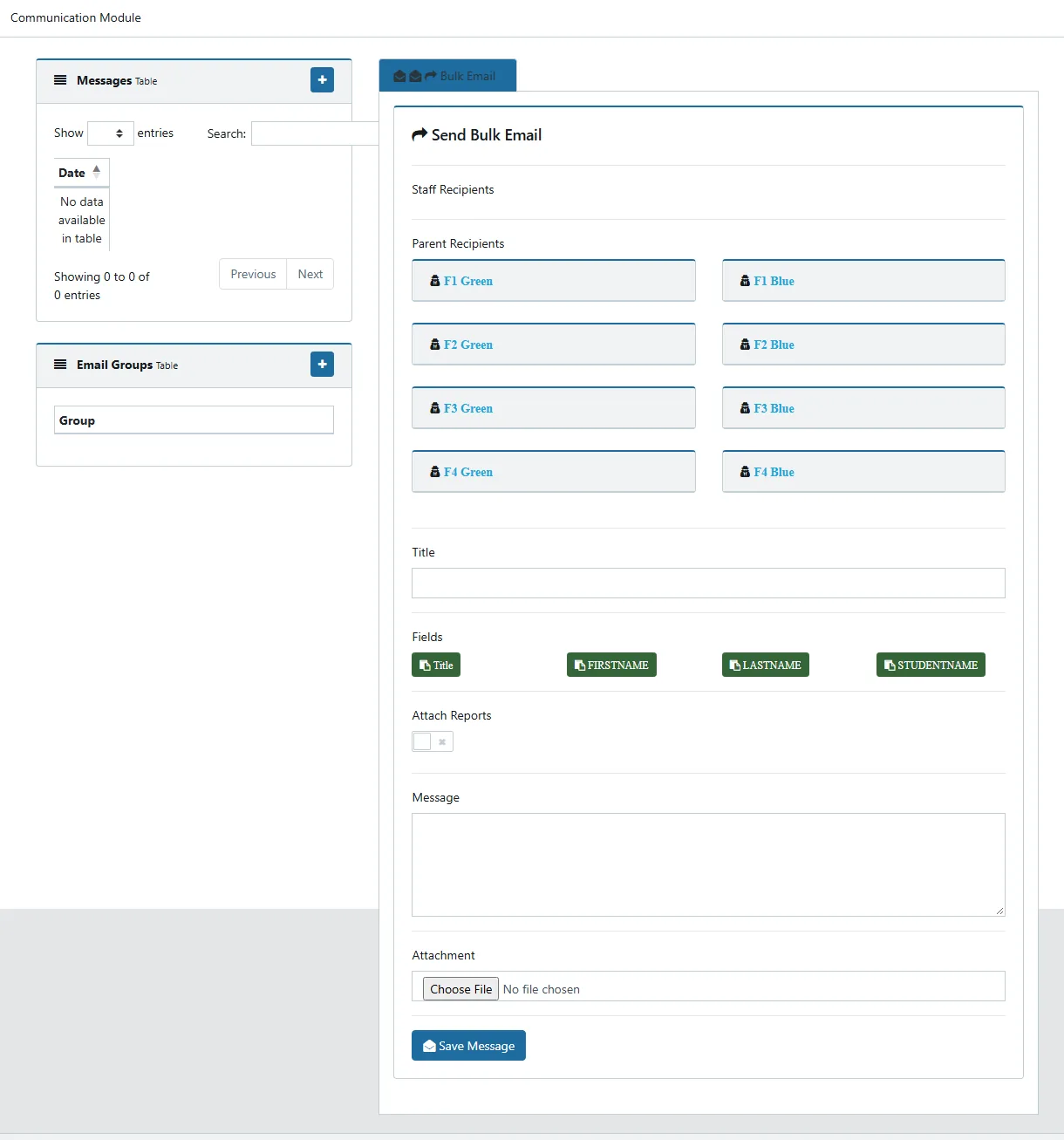
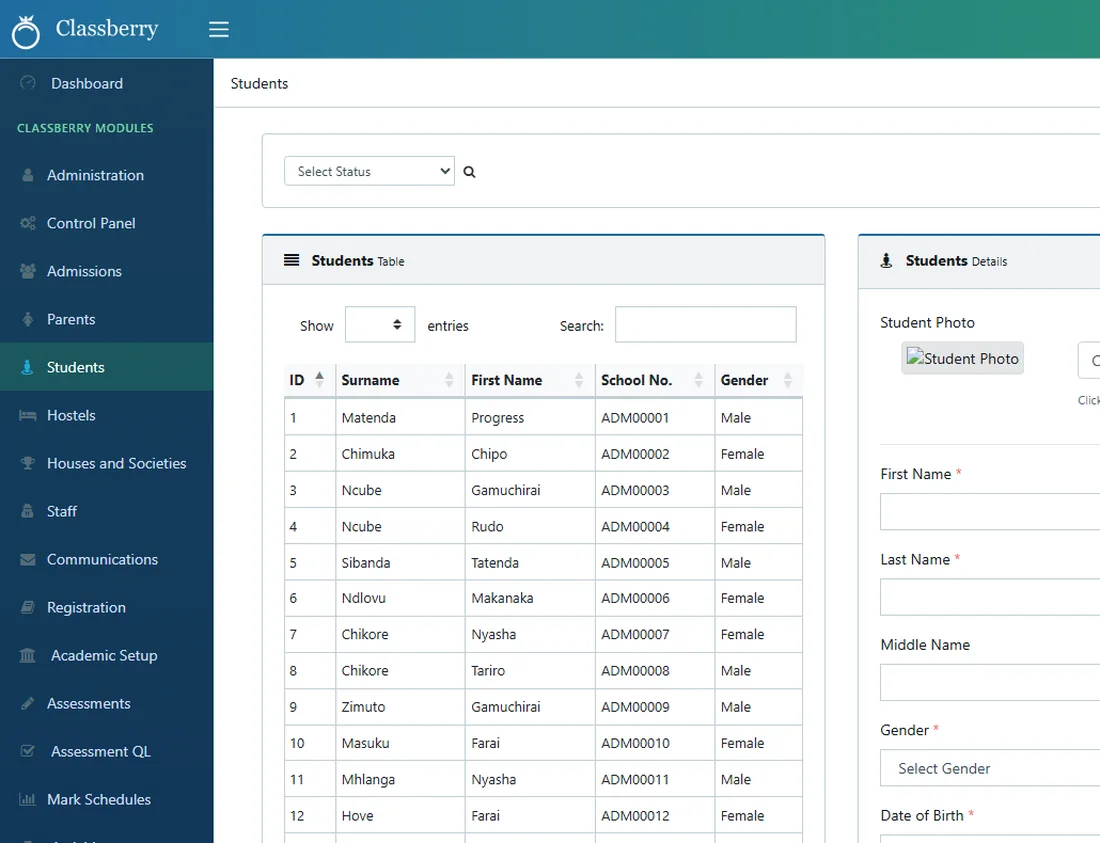
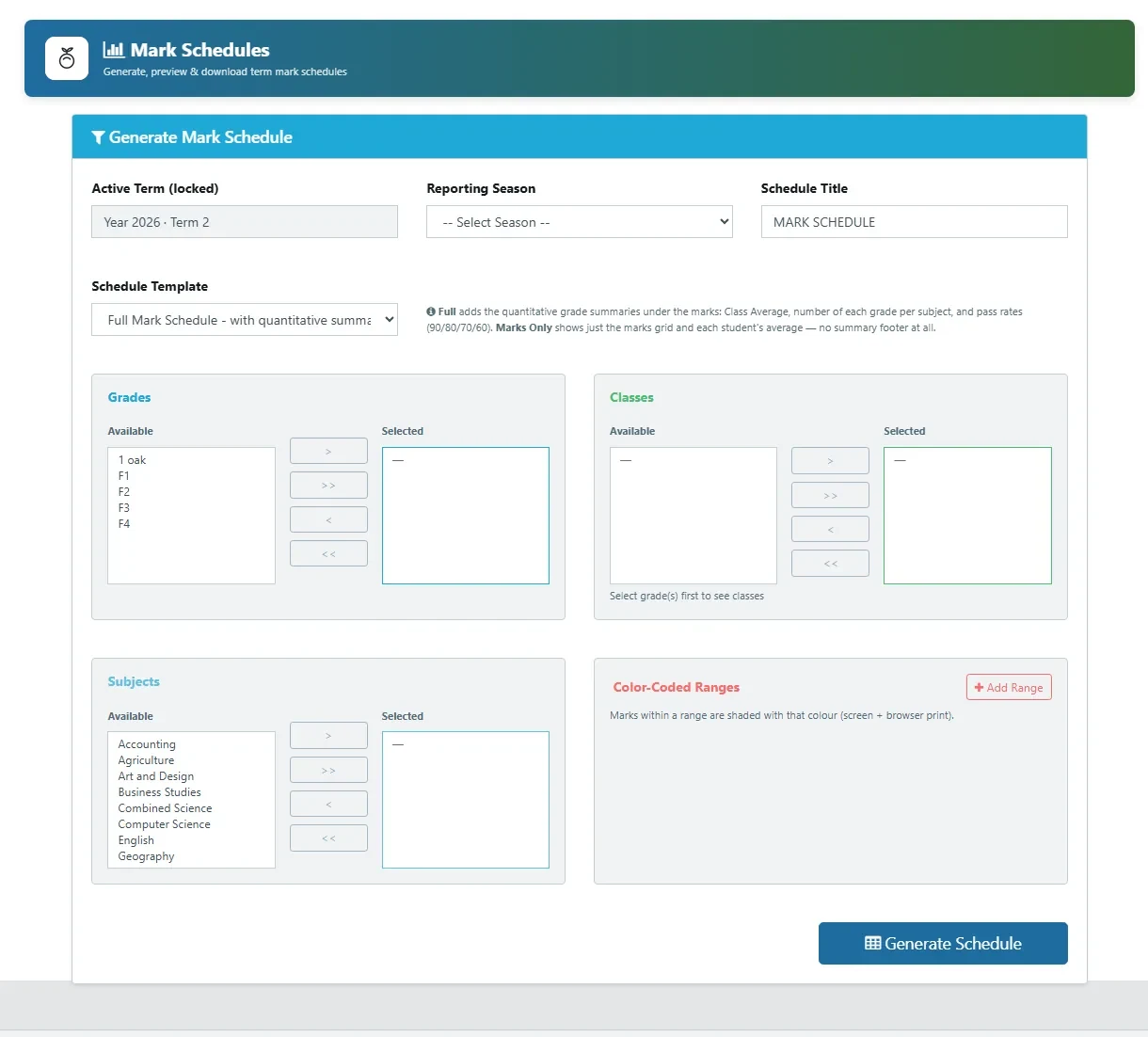
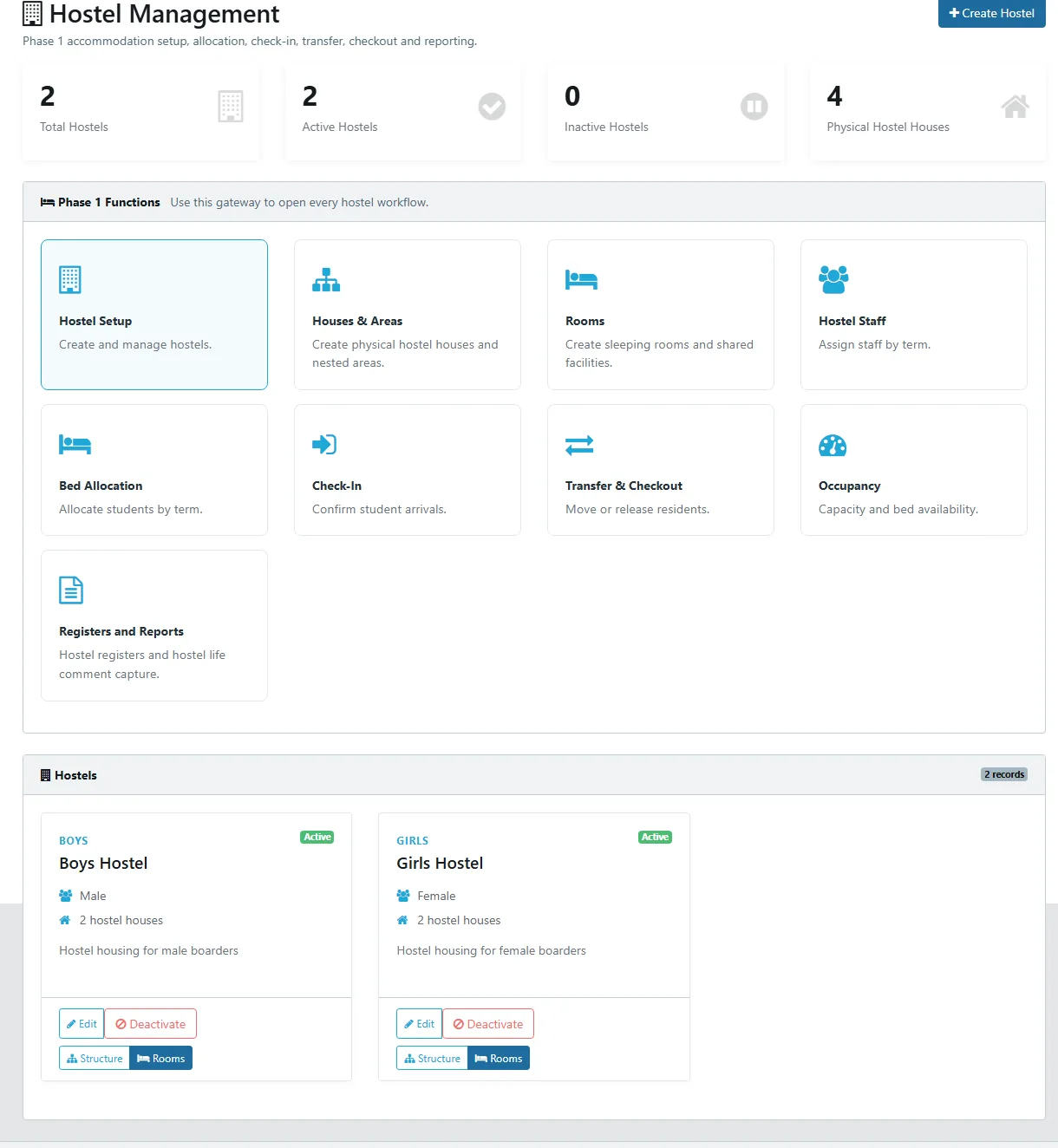
These are working Classberry interfaces. The same visual language carries across learner records, registration, assessment, communication, boarding and the rest of the platform.
 Family Portal
 Communication
The Classberry Mobile App keeps supported school information and communication closer to the people who need it. Family-facing services can provide controlled access without exposing internal administrative functions.
Implementation includes configuration, onboarding and training, followed by continuing access to the Classberry support team as the institution grows and expands its use of the system.
Set up Classberry around the institution's structures, selected modules and operating requirements.
Help users understand the system in the context of the responsibilities they perform every day.
Continue with technical assistance and guidance after implementation as users and requirements evolve.
Choose a ready-made package or assemble your own combination of modules.